Mini 2 / Mini 2T / Mini 2 Pro
Meet the slim Mini series and find the model that suits you.
The Mini series is designed for lightweight wear. Mini 2T, Mini 2 and Mini 2 Pro all measure 30 × 30 × 4.6 mm and weigh around 5.5 g, keeping your setup comfortable while chatting, sitting or moving around.
All three work with SlimeVR and use a dedicated receiver. No base stations or Tracker Wi-Fi setup are needed.
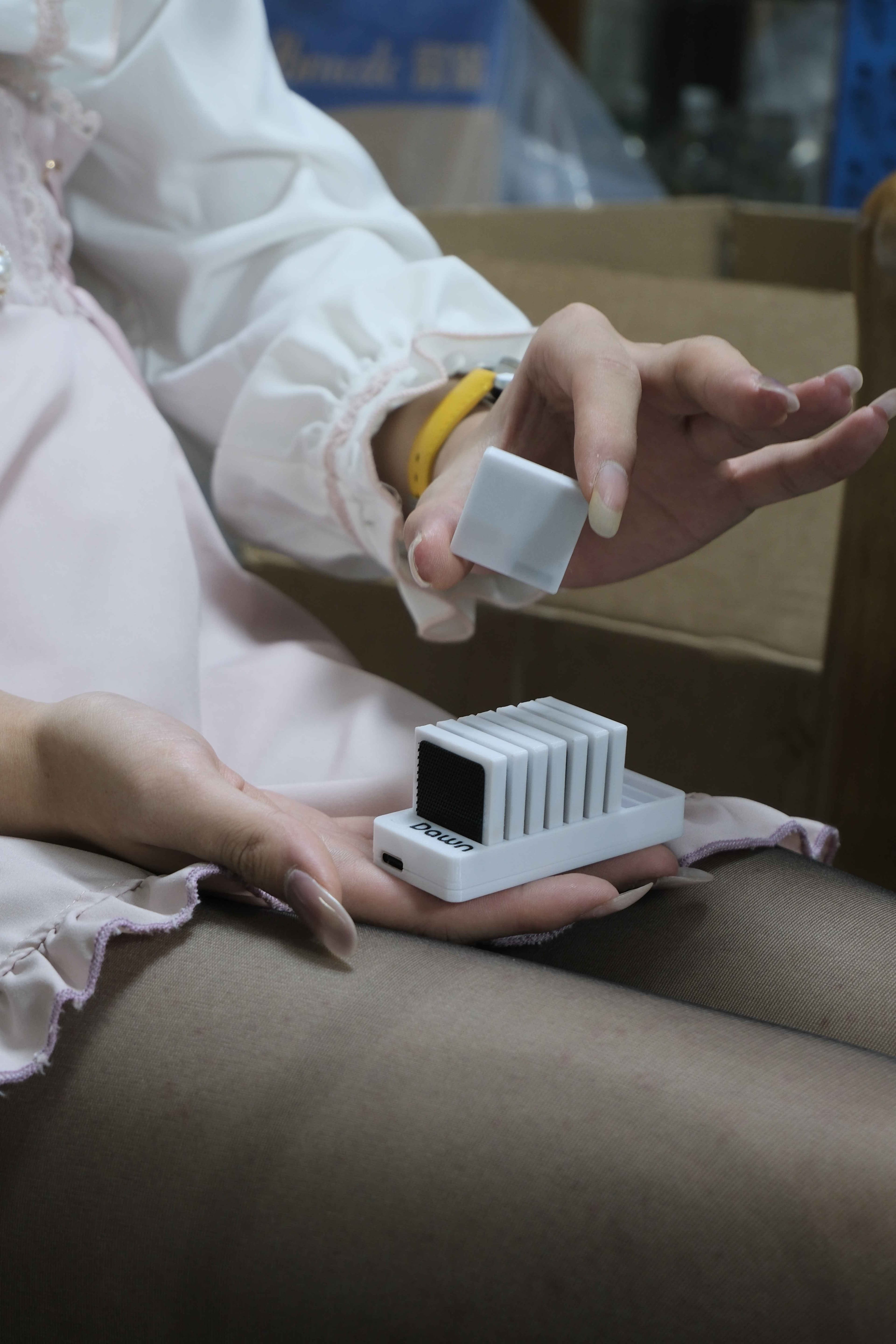
What's different between the models?
Mini 2T: slim design, accessible price
Choose Mini 2T if you want the lightweight Mini design on a tighter budget. It has no magnetometer and offers around 50 hours of battery life.
Mini 2: balanced features and price
Mini 2 is our everyday recommendation, with a built-in magnetometer. Battery life is around 35 hours with it on and 50 hours with it off.
Mini 2 Pro: the higher-spec choice
Mini 2 Pro has a higher-spec sensor setup and a magnetometer. Battery life is around 42 hours with it on and 50 hours with it off. It suits those looking for a higher-end setup.
Key specifications
| Item | Mini 2T | Mini 2 | Mini 2 Pro |
|---|---|---|---|
| Dimensions | 30 × 30 × 4.6 mm | 30 × 30 × 4.6 mm | 30 × 30 × 4.6 mm |
| Weight | 5.5 g ± 0.5 g | 5.5 g ± 0.5 g | 5.5 g ± 0.5 g |
| Battery life | Approx. 50 hours | Approx. 35 hours on/50 hours off | Approx. 42 hours on/50 hours off |
| Charging | Contact charging (dock) | Contact charging (dock) | Contact charging (dock) |
| Sensors | LSM6DSV | LSM6DSV + MMC5603 | ICM45686 + MMC5983 |
| Magnetometer | No | Yes | Yes |
| Colors | Black/white/custom (extra charge) | Black/white/custom (extra charge) | Black/white/custom (extra charge) |
For set prices and a comparison with Lite 2, see Models and specifications.
Simple everyday controls
- Power on: Take a Tracker off the charging dock and it turns on automatically.
- Power off: Press the receiver button nearest Type-C once to turn off all Trackers, or use “Power off all” in Dawn Tracker Tools.
- Sleep: You do not have to switch them off after every session. Leave them still for a while and they enter sleep mode, using around 3–5% battery per day.
- Charge: Put each Tracker back on the dock. A green light means it is charging.
Keep the receiver powered when sending the power-off command. See Power and charging for details.
Your first session
Install SlimeVR → Connect the receiver → Put on the Trackers → Assign body parts and reset → Start tracking.
Follow the Quick start guide. The Mini 2/Pro magnetometer is off by default; we recommend enabling it for everyday use unless your environment contains a lot of metal, such as a spring mattress. See Using the magnetometer.
Updating firmware
For normal updates, use the Dawn OTA Update Center. Updates are wireless: no extra software download and no need to dock each Tracker individually.
See Firmware updates and flashing.
Adding more Trackers
Each Mini receiver supports up to 16 Trackers. You can use multiple receivers for a larger setup. Buy extras from Taobao (China) or our official international store, then pair them with your receiver and assign the new body parts.
Mini and Lite Trackers/receivers are not interchangeable. Contact us if you need help choosing an upgrade.